> ## Documentation Index
> Fetch the complete documentation index at: https://docs.uselooop.com/llms.txt
> Use this file to discover all available pages before exploring further.
# Introduction
> Wishlist element allow you to add a wishlist to your Webflow site, where users can add products to a wishlist and view them later.
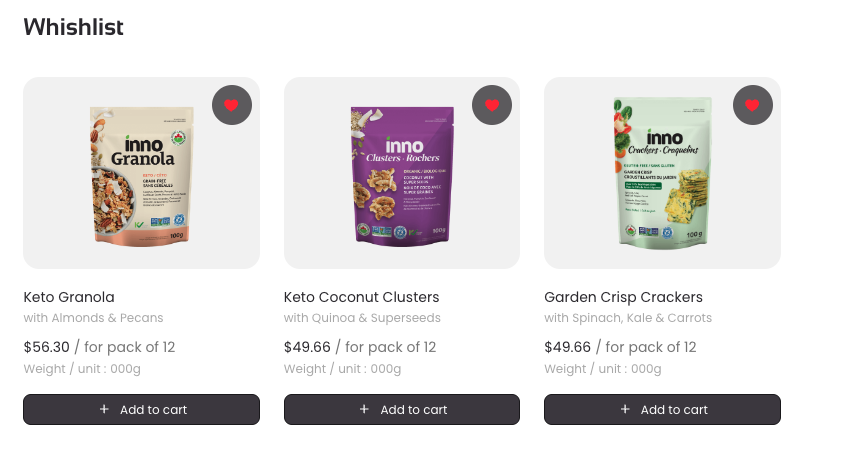 Wishlist element has two sub-elements:
This button allows users to add/remove products to a wishlist and also serves as indicator if parent product is already in the wishlist.
Wishlist list allows users to view products added to the wishlist and remove them from the wishlist.
Wishlist element has two sub-elements:
This button allows users to add/remove products to a wishlist and also serves as indicator if parent product is already in the wishlist.
Wishlist list allows users to view products added to the wishlist and remove them from the wishlist.