> ## Documentation Index
> Fetch the complete documentation index at: https://docs.uselooop.com/llms.txt
> Use this file to discover all available pages before exploring further.
# Introduction
> Search element allows users to search for products in the store.
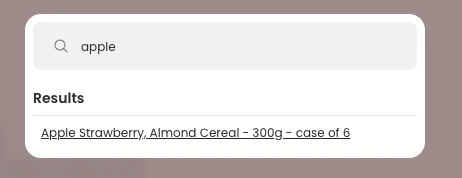 Search element has two sub-elements:
Search form allows users to input search queries to see products in the search list.
Search list allows users to view products added to the wishlist and remove them from the wishlist.
Search element has two sub-elements:
Search form allows users to input search queries to see products in the search list.
Search list allows users to view products added to the wishlist and remove them from the wishlist.