> ## Documentation Index
> Fetch the complete documentation index at: https://docs.uselooop.com/llms.txt
> Use this file to discover all available pages before exploring further.
# Reset
> Allow users to reset their password from the email they receive.
## Setup
Add a Webflow form to the Reset page.
Add the following attribute to the `Form` element of the Webflow form:
```html theme={null}
looop=resetform
```
Add [available fields](#available-fields) to the form
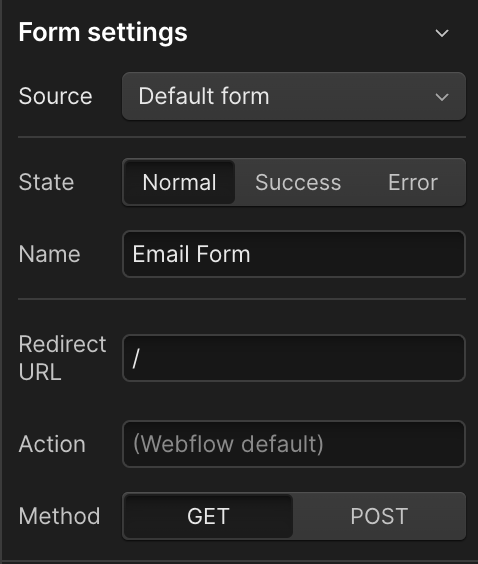
In the `Form` element settings, set the `Redirect URL`. On success, the user will be redirected to this URL.
 ## Available Fields
### New Password
`required`
```html theme={null}
looop=new_password
```
### Confirm New password
`required`
```html theme={null}
looop=confirm_new_password
```
## Available Fields
### New Password
`required`
```html theme={null}
looop=new_password
```
### Confirm New password
`required`
```html theme={null}
looop=confirm_new_password
```