> ## Documentation Index
> Fetch the complete documentation index at: https://docs.uselooop.com/llms.txt
> Use this file to discover all available pages before exploring further.
# Orders Empty State
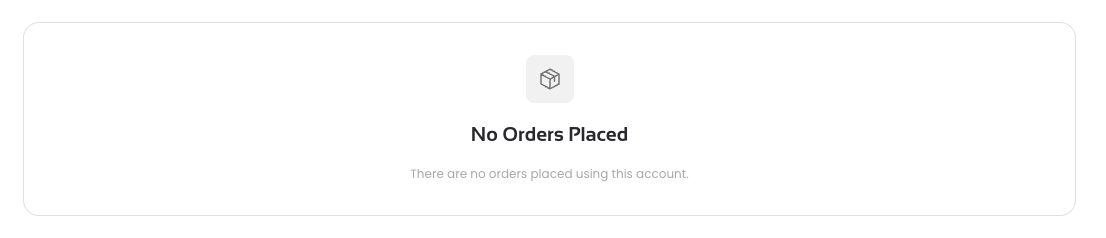
> This element is a div next to the orders list that is shown when the list is empty. It is used to inform the user that there are no orders to display.
 ## Setup
Add a empty div block as sibling to the orders list.
Add following attribute to the div block:
```html theme={null}
looop=orders_empty-state
```
## Setup
Add a empty div block as sibling to the orders list.
Add following attribute to the div block:
```html theme={null}
looop=orders_empty-state
```