> ## Documentation Index
> Fetch the complete documentation index at: https://docs.uselooop.com/llms.txt
> Use this file to discover all available pages before exploring further.
# Empty State
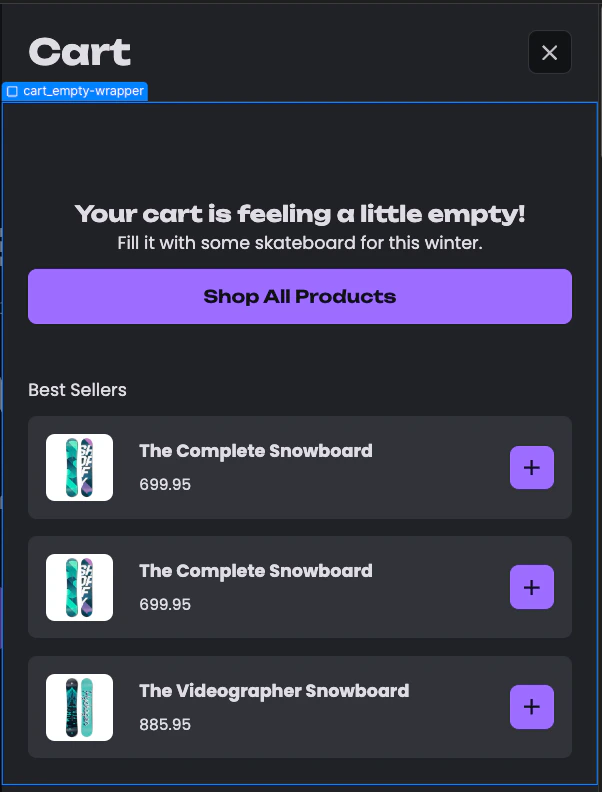
> The empty state div is visible when the users cart is empty.
## Setup
This element needs to have the following attributes:
```html theme={null}
"looop"="cartEmpty"
```
You can add anything inside this div, and it will only show up with the empty state. Here is an example: