> ## Documentation Index
> Fetch the complete documentation index at: https://docs.uselooop.com/llms.txt
> Use this file to discover all available pages before exploring further.
# Subtotal
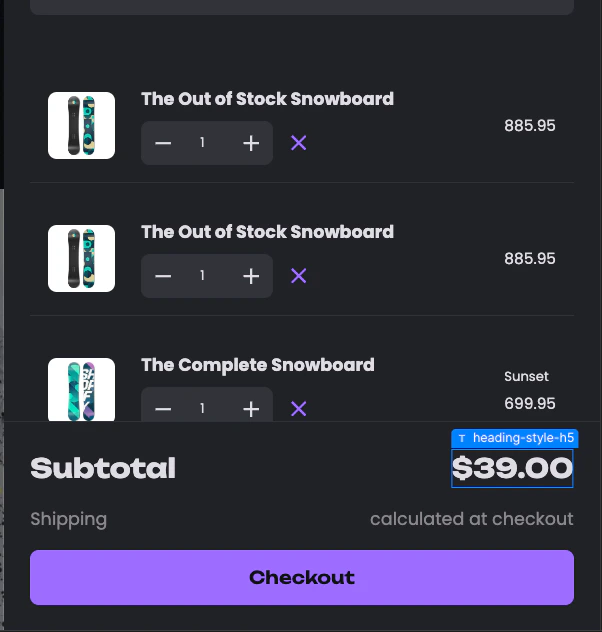
> Subtotal can be any text element inside the default cart wrapper. This element will show the subtotal of all items in the cart after applicable discounts.
## Setup
Add the following code to your cart template where you want the subtotal to appear:
```html theme={null}
"looop"="subtotal"
```